Ready for the road
A verified reserve of 20, 30 or 60 minutes of complete tracks always sits on your iPhone. The next tracks download while you listen; tunnels and dead zones never cut the music.
RoadSonic plays the music you already own — Navidrome, Subsonic, Plex, Jellyfin, Emby, local files and Apple Music — from one library that keeps playing when the network doesn't. CarPlay, instant search, lyrics, Siri.

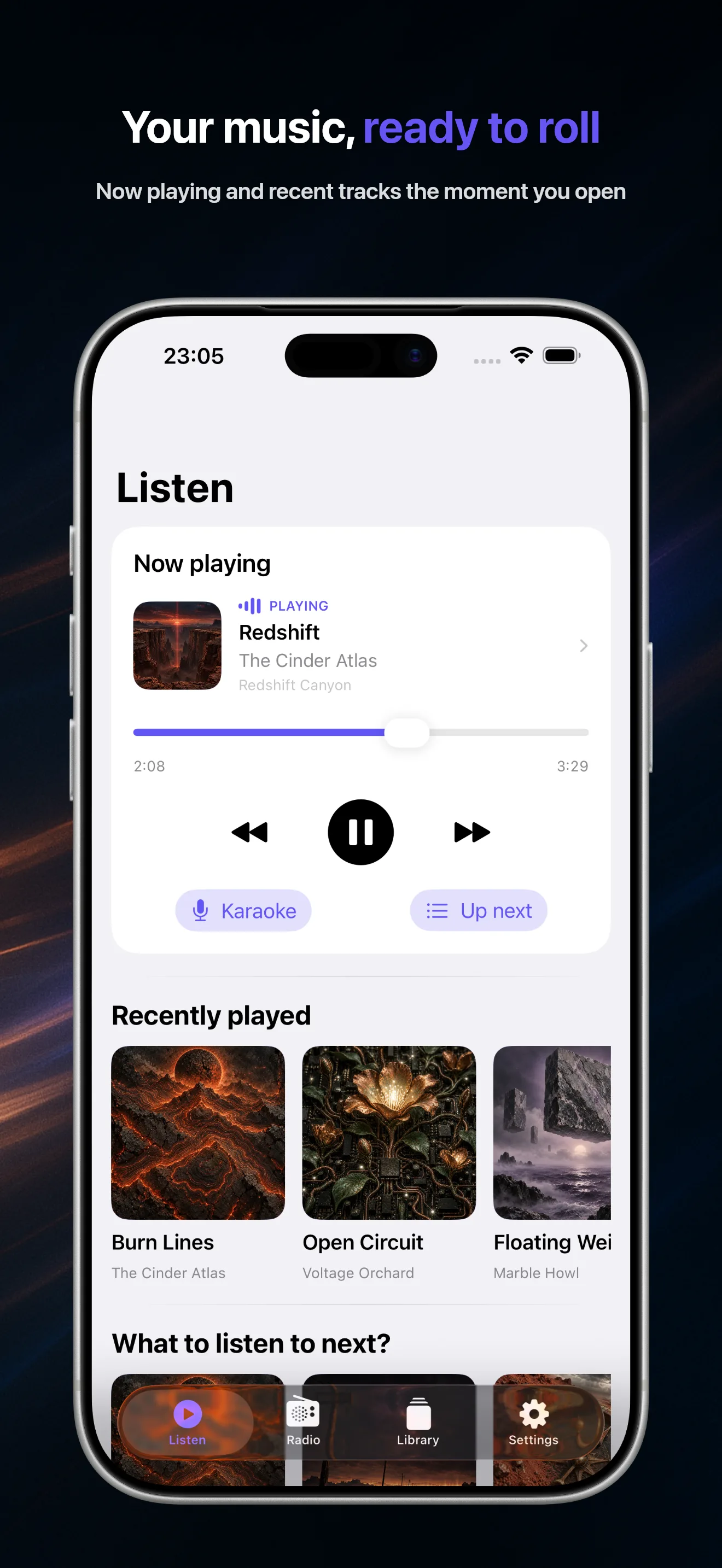
Most self-hosted players stop the moment the signal drops. RoadSonic is built around a verified local reserve, a fully indexed offline library and a CarPlay interface with no menus to dig through.
A verified reserve of 20, 30 or 60 minutes of complete tracks always sits on your iPhone. The next tracks download while you listen; tunnels and dead zones never cut the music.
Listen, Artists, Albums and Find on the car screen, with artwork and Now Playing. Large targets, no nested menus, playback resumes where you left it.
Navidrome, Ampache, gonic, LMS, Airsonic, Nextcloud Music, Plex, Jellyfin, Emby and local folders merged into one catalog. Duplicates are matched by MusicBrainz and ISRC identifiers.
Your whole library is indexed on the device. Two letters and results appear instantly — artists, albums, tracks — even offline, even on a slow server.
An endless queue from your favorites, your play counts and community popularity, without repeating what you heard in the last three days. Say “Not for me” or “More like this”.
Synchronized lyrics from your server or LRCLIB, with a karaoke view that follows the song line by line.
10-band equalizer with presets, loudness normalization per track or album, gapless playback and crossfade, with a separate profile recalled for speaker, headphones, Bluetooth, CarPlay and AirPlay.
“Play Depeche Mode”, “Play my favorites”, “Start the radio”, “Like this track”: full voice control plus Shortcuts actions for albums, artists, playlists and downloads.
RoadSonic speaks OpenSubsonic, Plex, Jellyfin and Emby natively, and imports folders from the Files app. Connect several sources at once: artists, albums, favorites and search are merged.
Enter your server address and credentials — or sign in with Plex PIN or Jellyfin Quick Connect. Passwords stay in the iOS Keychain and are never sent in the clear.
RoadSonic indexes your whole library on the device. Search, browse by letter, sort by year and build smart playlists — offline, instantly.
Start an album, an artist or the Radio. The “Ready for the road” badge tells you the offline reserve is complete before you leave.
Four tabs on the car screen — Listen, Artists, Albums, Find — with artwork, Now Playing and the same instant search as on the phone. Playback continues through tunnels thanks to the verified reserve.
Discover CarPlay mode →Credentials live in the iOS Keychain, Subsonic authentication uses salted tokens, and plain HTTP is allowed only on your local network after explicit confirmation. No account, no analytics, no tracking. Delete everything in one tap.
Read the privacy policy →Download for free and enjoy a full 7-day trial that starts after your first library sync. Then a single one-time purchase unlocks RoadSonic for good. No subscription, no ads.
See pricing →Any OpenSubsonic or Subsonic-compatible server — Navidrome, Ampache, gonic, LMS, Airsonic, Nextcloud Music — plus Plex, Jellyfin (with Quick Connect), Emby and local audio files imported from the Files app. Apple Music can be linked as an optional extra source.
Yes. A verified reserve of 20 to 60 minutes of complete tracks is always kept on the device, whole albums can be downloaded for a trip, and the search index works without any connection.
Yes. RoadSonic shows Listen, Artists, Albums and Find on the car screen with artwork and Now Playing, and resumes where you left it.
No. RoadSonic is free to download with a full 7-day trial that starts after your first library sync. A single one-time purchase then unlocks the app forever.
Everything your server streams — FLAC, ALAC, MP3, AAC, OGG, Opus and more — either as the original file or transcoded by the server according to its own settings. Local files use the formats iOS can decode.
No. There is no RoadSonic account, no analytics and no tracking. Its App Store privacy label is “Data Not Collected”. Credentials stay in the iOS Keychain and the library index stays on your device.